a customized launch.json is created within your project's ./.vscode directory when you run the Particle: Create Project command. did that not happen for some reason?
alternatively, you can manually create it if your Particle project does not already have a launch.json file by selecting the cortext-debug option from the configuration list (assuming your Particle project is open)
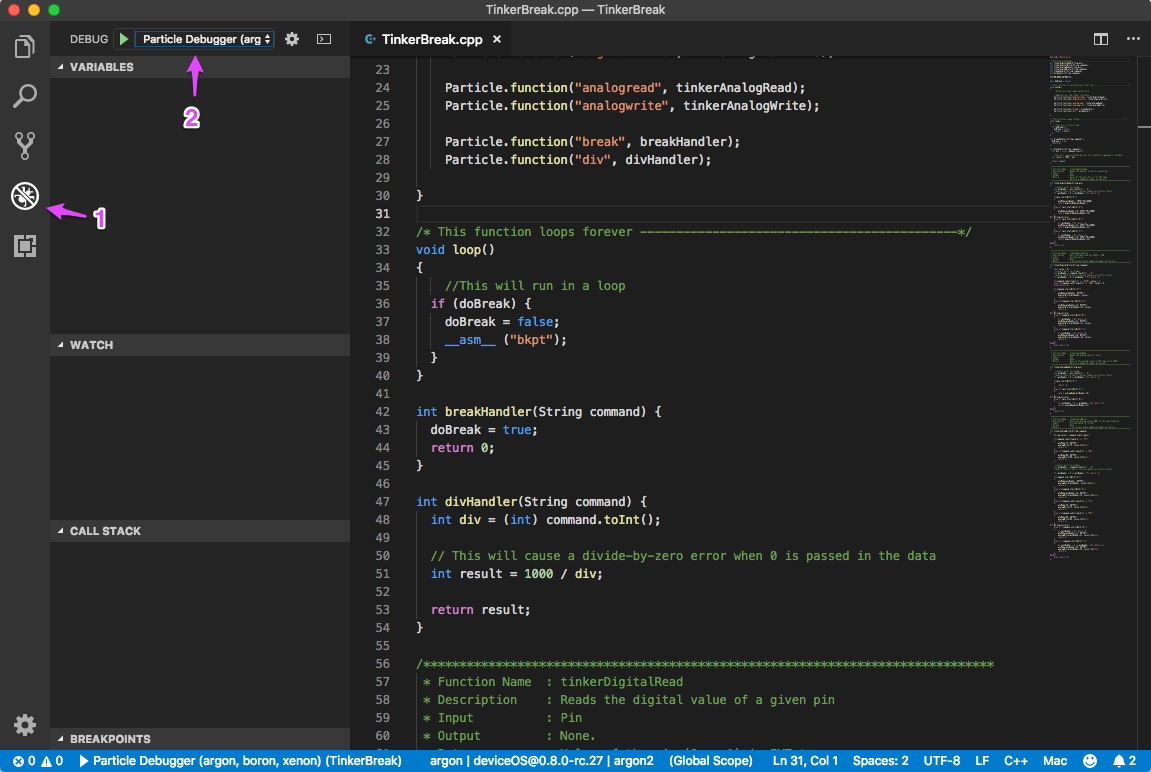
(click the gear icon in debug bar labeled "2" in the above image)
that all said, last i checked debugging wasn't in a great state - see here:
i'm still digging out here after some recent traveling so i haven't looped back on it yet.
edit: if you haven't already seen them, check out our debugging docs here:
https://docs.particle.io/tutorials/developer-tools/workbench/#debugging-3rd-generation-