Can someone report with links/model numbers a specific display that works with the DSI port? I am tired of playing the hope-buy-return game with Amazon.
Hi psktruck
I’m really sorry you’ve been stuck in the buy-and-return loop with DSI displays. The tricky bit with every single DSI panel is that support isn’t plug-and-play - the display driver has to be enabled at the kernel level, with proper board detection and a DTS configuration imported into the bootloader. That work needs to be done for each panel individually.
On something like the Raspberry Pi, they’ve built up years of display driver enablement, but they don’t release their bootloader code, so we can’t just lift their detection logic. We have to add each supported panel one-by-one into our own kernel sources.
We do have DSI displays working - including the Raspberry Pi Display 2 board and some salvaged cellphone panels - but it’s not yet a broad compatibility list. My plan is to get a section up on the developer site listing the exact models we’ve enabled. The first one we’ll publish and fully support is the Raspberry Pi Display 2 (link below), since it’s sourceable and already functional here. As we add others, we’re rebuilding the auto-detection logic from scratch so the board can figure out which display is connected without manual kernel tweaks.
For now, I’d suggest focusing on the Raspberry Pi Display 2 board:
https://www.raspberrypi.com/products/touch-display-2/
Watch this space - I’ll follow up when the official supported-display list goes live.
Thanks!
I did get one display to be recognized but no image is being displayed on it.
Here is the display: https://www.waveshare.com/wiki/4.3inch_DSI_LCD#Hardware_Connection

Look at that! the print screen keyboard command works and screenshot both screens!!! however again, the “Built-in” screen is blank.
@mrlambchop can you please point me to anything that is relevant to the DSI port of Tachyon that I can look into in the context of supporting more displays, perhaps from the existing documentation? I got a beta unit but was stuffed with work and an Oasis concert that took me Half The World Away and ignoring the lovely beta unit until now that I should be able to free up some time to look into it.
Most importantly:
- Are the pin definitions of the DSI port exactly the same as RPi5?
- The relevant .dts to look into in the kernel source tree to enable the DSI port
I happen to have some experience of making unsupported panel to work with RPi and other SBC with MIPI DSI so hopefully I can contribute to the process.

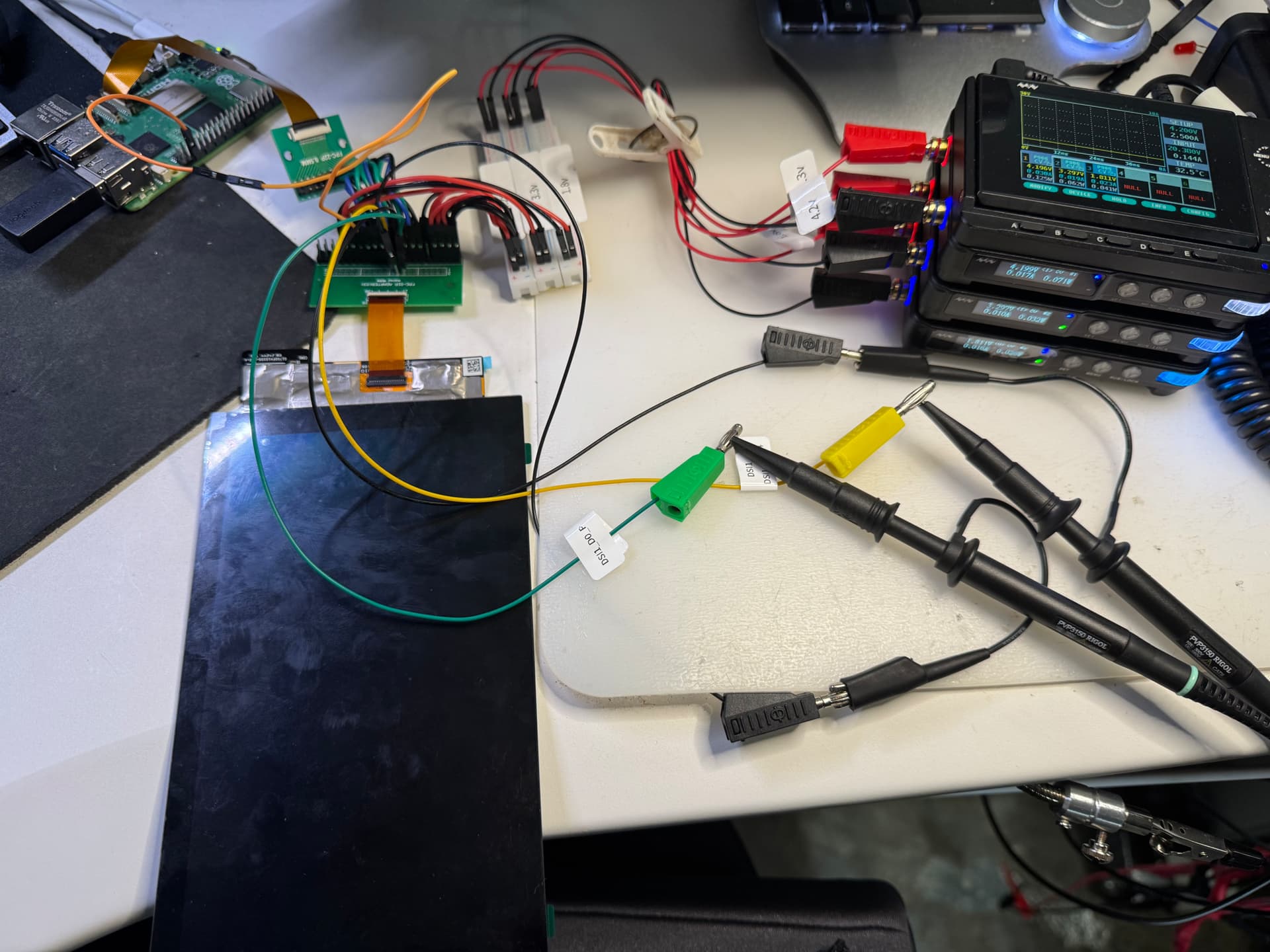
I’ve got the pi touch-display-2 and Ubuntu 20.04 with the tachyon-ubuntu-20.04-NA-desktop-formfactor_dvt-1.0.172.zip installed. The display comes on and shows green matrix and fades in and out periodically. The debug logs show the display is recognized:
DynamicDSIPanelDetection: panelIdCommands[2].address:0xDC
DynamicDSIPanelDetection: DSIDriver_Read Status: 0 expectedReadback:0x00, readSize:2, readback[0]:0x00, readback[1]:0x00
DynamicDSIPanelDetection: Match Success, panel id: 0
DynamicDSIPanelDetection: Detected panel id:00000000, MDPPlatformPanelType: 21
FindPanelIndex eStatus Ok eSelectedPanel:9
MDPPlatformConfigure pMDPPlatformPanelGpio is NULL
GetPanelXmlConfig pFileBuffer != NULL uRetSize:4241 eStatus: 0
MDPPlatformConfigure GetPanelXmlConfig OK! eSelectedPanel 21
DisplayDxe: Panel 21 Resolution 720x1280 (1 intf).
Is there any other debug information that would be useful?
You may want to give tachyon-ubuntu-20.04-NA-desktop-formfactor_dvt-1.0.180.zip a go as it has number of fixes like camera autofocus. It may have display fixes as well.
Thanks for replying.
dmesg indicates the panel is detected, but there is a PLL unlock error.
[drm:dsi_ctrl_isr [msm_drm]] *ERROR* [msm-dsi-error]: dsi-ctrl-0: dsi PLL unlock error: 0x140.
I’ve verified the screen works on Raspberry PI 3B with latest 64-bit RPI OS.
Is it possible the cable included with the touch-2 screen is not compatible with the DSI connector on Tachyon?
Found tachyon beta 2404 includes an overlay specifically for the rpi-touch-display 5/7 inch models in /boot/overlays, and followed the writeup here for getting CSI cameras working Camera - 24.04 | Particle Developer to get the overlay loaded.
The display comes up and touch works.