# Syntax Not Recognized by VSCode
**URL:** https://community.particle.io/t/syntax-not-recognized-by-vscode/54224
**Category:** Particle Workbench
**Created:** [January 15, 2020, 2:54pm UTC](https://community.particle.io/t/syntax-not-recognized-by-vscode/54224 "2020-01-15T14:54:33Z")
**Posts on this page:** 9
**Page:** 1
### Author:  [@0xgaby](https://community.particle.io/u/0xgaby)
#### Post date: [January 15, 2020, 2:54pm UTC](https://community.particle.io/t/syntax-not-recognized-by-vscode/54224/1 "2020-01-15T14:54:33Z")
I have a workspace in VS code that was not started by making it a particle project since I already had all the respective files. However, now VSCode does not recognize any syntax of my files. When I use Particle: Import Project, it does not keep my current workspace open. Is there a way to make these into a Particle project without creating a new one? These files are already part of my git repo so I don’t want to move the files to a new directory if possible! Thanks!

---
### Author:  [@ScruffR](https://community.particle.io/u/ScruffR)
#### Post date: [January 15, 2020, 3:15pm UTC](https://community.particle.io/t/syntax-not-recognized-by-vscode/54224/2 "2020-01-15T15:15:58Z")
One reason for this is probably that this file is not recognised as a Particle project.
This may also be due to the extensions not beeing fully loaded at the time.
This is also backt by the lack of these symbols at the top right of your window

Try creating a full project via the _Create New Project_ command and then past your code into that.
Also when posting a screenshot of Workbench it’s also good to also show the status bar which does provide valuable information about the state of your project.
---
### Author:  [@0xgaby](https://community.particle.io/u/0xgaby)
#### Post date: [January 15, 2020, 3:19pm UTC](https://community.particle.io/t/syntax-not-recognized-by-vscode/54224/3 "2020-01-15T15:19:55Z")
Was not even aware of the status bar until now, thanks!
Creating a new project works! Is there any way to make these existing files into a Particle project without doing that?
---
### Author:  [@ScruffR](https://community.particle.io/u/ScruffR)
#### Post date: [January 15, 2020, 3:21pm UTC](https://community.particle.io/t/syntax-not-recognized-by-vscode/54224/4 "2020-01-15T15:21:49Z")
> [@0xgaby](#):
>
> Is there any way to make these existing files into a Particle project without doing that?
Not that I'm aware of, but you can always add existing files - you don't need to copy/paste the sources.
---
### Author:  [@0xgaby](https://community.particle.io/u/0xgaby)
#### Post date: [January 15, 2020, 3:58pm UTC](https://community.particle.io/t/syntax-not-recognized-by-vscode/54224/5 "2020-01-15T15:58:39Z")
So I created a new project and pasted my code into the new .ino file and it was working alright with the exception of not recognizing Mesh. However, I kept going and have run into the same problem again. I was prompted to download the toolchain (although I thought I already did that?) and downloaded it. The code compiles and flashes with no problem but syntax is still not recognized.

---
### Author:  [@shanevanj](https://community.particle.io/u/shanevanj)
#### Post date: [January 15, 2020, 4:04pm UTC](https://community.particle.io/t/syntax-not-recognized-by-vscode/54224/6 "2020-01-15T16:04:20Z")
you may need to reset the intellisence database … IIRC its one of the commands - but not my PC to check…
---
### Author:  [@0xgaby](https://community.particle.io/u/0xgaby)
#### Post date: [January 15, 2020, 4:22pm UTC](https://community.particle.io/t/syntax-not-recognized-by-vscode/54224/7 "2020-01-15T16:22:22Z")
Will look into that now, thanks!
---
### Author:  [@0xgaby](https://community.particle.io/u/0xgaby)
#### Post date: [January 15, 2020, 4:48pm UTC](https://community.particle.io/t/syntax-not-recognized-by-vscode/54224/8 "2020-01-15T16:48:12Z")
An update!: So the problem comes up after successfuly configuring a project for the xenon i am working with even in a new project. After this I am notified that a compiler toolchain is available, although I already downloaded it in other projects. Resetting the IntelliSense database does nothing D:
---
### Author:  [@m\_m](https://community.particle.io/u/m_m)
#### Post date: [January 15, 2020, 9:25pm UTC](https://community.particle.io/t/syntax-not-recognized-by-vscode/54224/9 "2020-01-15T21:25:21Z")
if you haven't already seen them, we have a bunch of docs and walk-thru videos:
> **[Workbench](https://docs.particle.io/workbench/)**
>
> Desktop IDE for writing Particle IoT device firmware for Windows, Mac OS, and Linux
> **[Particle](https://www.youtube.com/channel/UCpYjkSkGOXAMXeZjZkbb-PQ/featured)**
>
> WHAT IS PARTICLE?
> Particle provides an integrated IoT Platform-as-a-Service that helps businesses connect, manage, and deploy software applications to connected devices, from edge to cloud and back. Over 240k developers, and 160+ Enterprise customers...
in particular, you might want to check out:
Getting Started with Particle Workbench:
[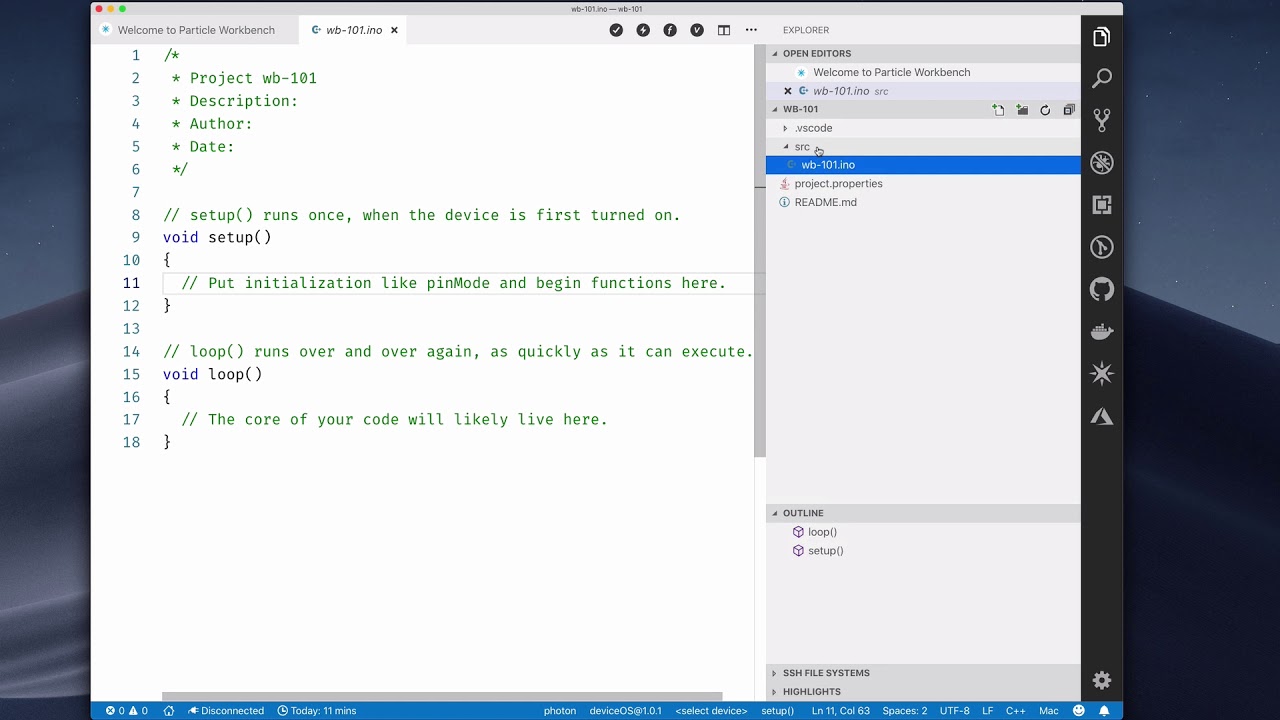 ](https://www.youtube.com/watch?v=_ayljPW98oU)
Building Firmware Locally with Particle Workbench:
[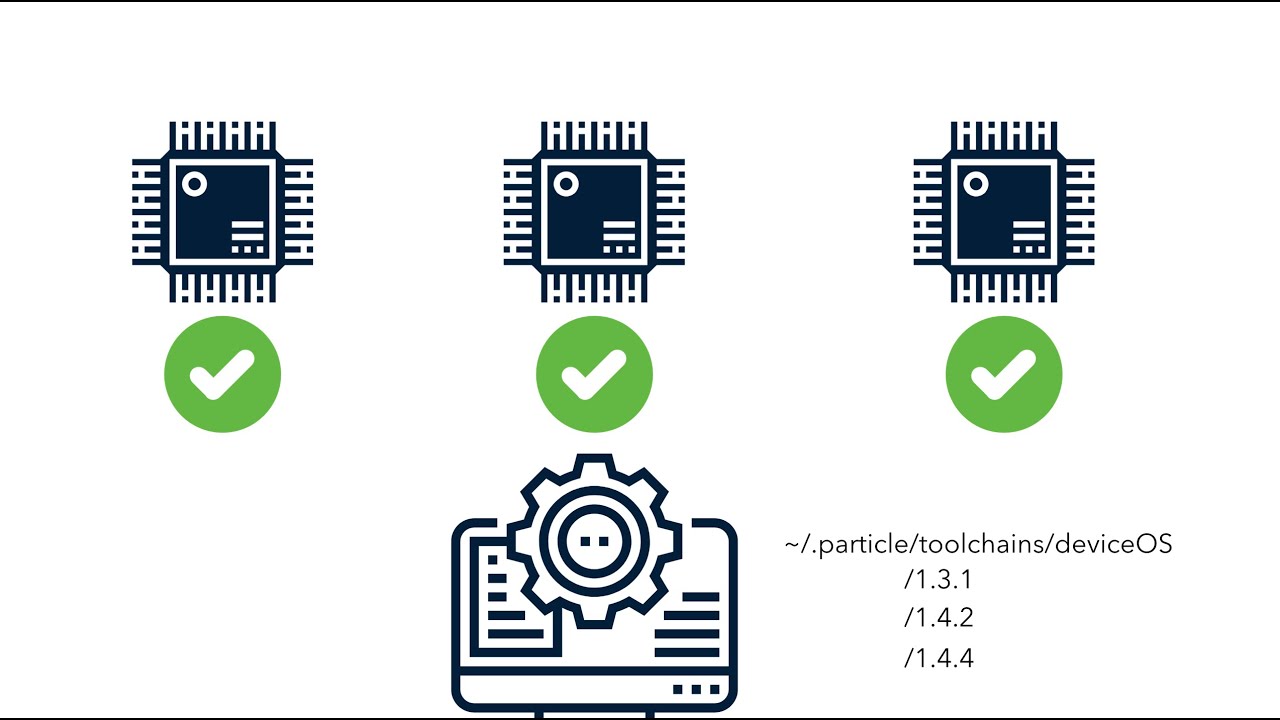 ](https://www.youtube.com/watch?v=GW1zzSE9Y80)
regarding intellisense weirdness, unfortunately it can be a bit fiddly from time to time - we have a troubleshooting guide over here:
> [@Intellisense: Report Issues Here](https://community.particle.io/t/intellisense-report-issues-here/48734):
>
> hello particle workbench user wave as you’ve no doubt learned, intellisense can be a bit finicky - it’ll flag non-issues in the “Problems” tab, report missing headers, etc. rest assured, if your code compiles you can ignore intellisense’s errors. still, that’s not a UX we’re happy with so help us track down any lingering issues by reporting them here +1 before posting, here are some trouble-shooting steps you can try to get things back in shape as well as instructions on what info to incl…
hope it helps 👍